2019.03.09 Making a Record for the Fisher Price Record Player
A while ago I linked to an Instructable on how to create your own Fisher Price record. For Christmas, I decided to actually go for it, and make one of these for my kids.
Read more...This is where I post original content and long-form entries.
A while ago I linked to an Instructable on how to create your own Fisher Price record. For Christmas, I decided to actually go for it, and make one of these for my kids.
Read more...I made a new G2 album. I'm not going into a full write-up on it, but I still wanted to share.

I couldn't find the sprites for a certain type of lava from Super Mario World anywhere on the internet. Sure, the standard non-moving, bubbling, lava is out there, but I wanted the lava that skull platforms ride on. So, I went and ripped them, and I'm sharing them here, because I can.
Read more...Years ago I hacked my Wii, and I was/am thrilled with it. I have no interest in pirating games, but I'm very interested in my kids not scratching the game discs, and leaving them out to be ruined. Hacking my Wii allowed me to hook up a hard drive to the Wii, and show them how to play any/every game we own without ruining another (expensive) disc. I'm not going to bother trying to do a comprehensive write-up of how I went about doing it, but I'm doing a clean-up of all of my (still) open tabs, and all of these go together. In case you're a person who cares about this sort of thing, you get the benefit of having some helpful links together. If you're not a person who cares, you'll likely ignore this, as you have with so much other stuff on my site.
Read more...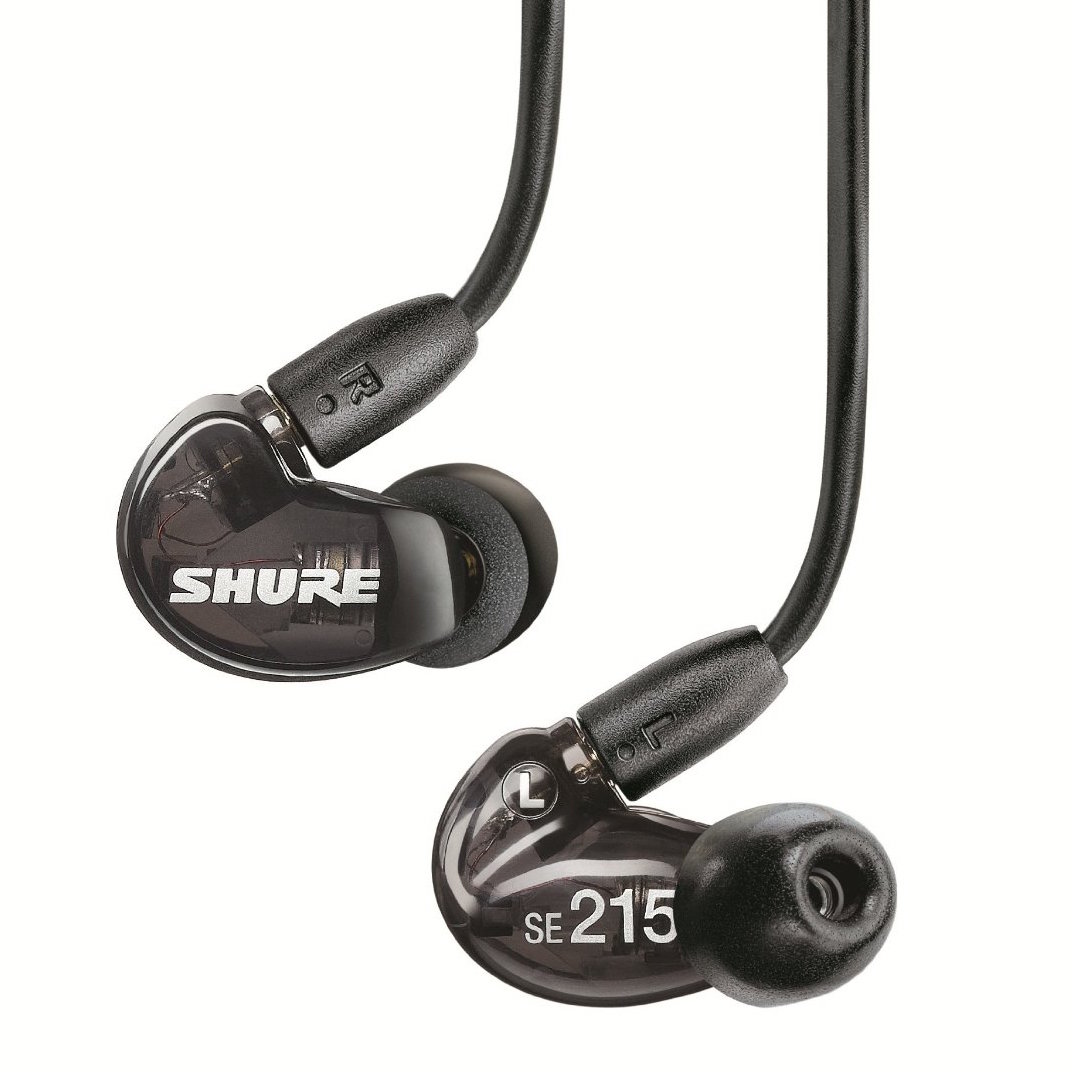
The other night I was asked if I had a recommendation for earphones, and after gushing about a pair for 10 minutes, I figured I should share with the rest of you (acknowledging how few people will actually read this). I was tired of going through three pairs of earphones in the $40-$50 range every year, and finally ponied-up for a nicer pair of earphones, and I struck immediate gold. I love Shure's SE215 earphones. I do. I love them. My wife was jealous of the overflowing words of praise I had for them, and she will likely shake her head at seeing this post. Regardless, here's why I love them:
Did I mention that I loved this company? It might seem counter-intuitive to make your products better for the same price. But here's what they have in me: a customer for life, and an entire blog post about how much I love their headphones.
(We'll ignore my alternate love affair with Shure's SRH440's, with the alternate velour earpads. These things are amazingly comfortable, even with a gigantic head. They let your ears breathe, never make your head/ears hot, but they also provide great sound.)
lists work home food soap_box entertainment light_bulb computers blogging creative g2